Why Your ASUS Zenbook Duo 14 Won't Charge: The Hidden Danger of Cheap USB-C Chargers and Dust
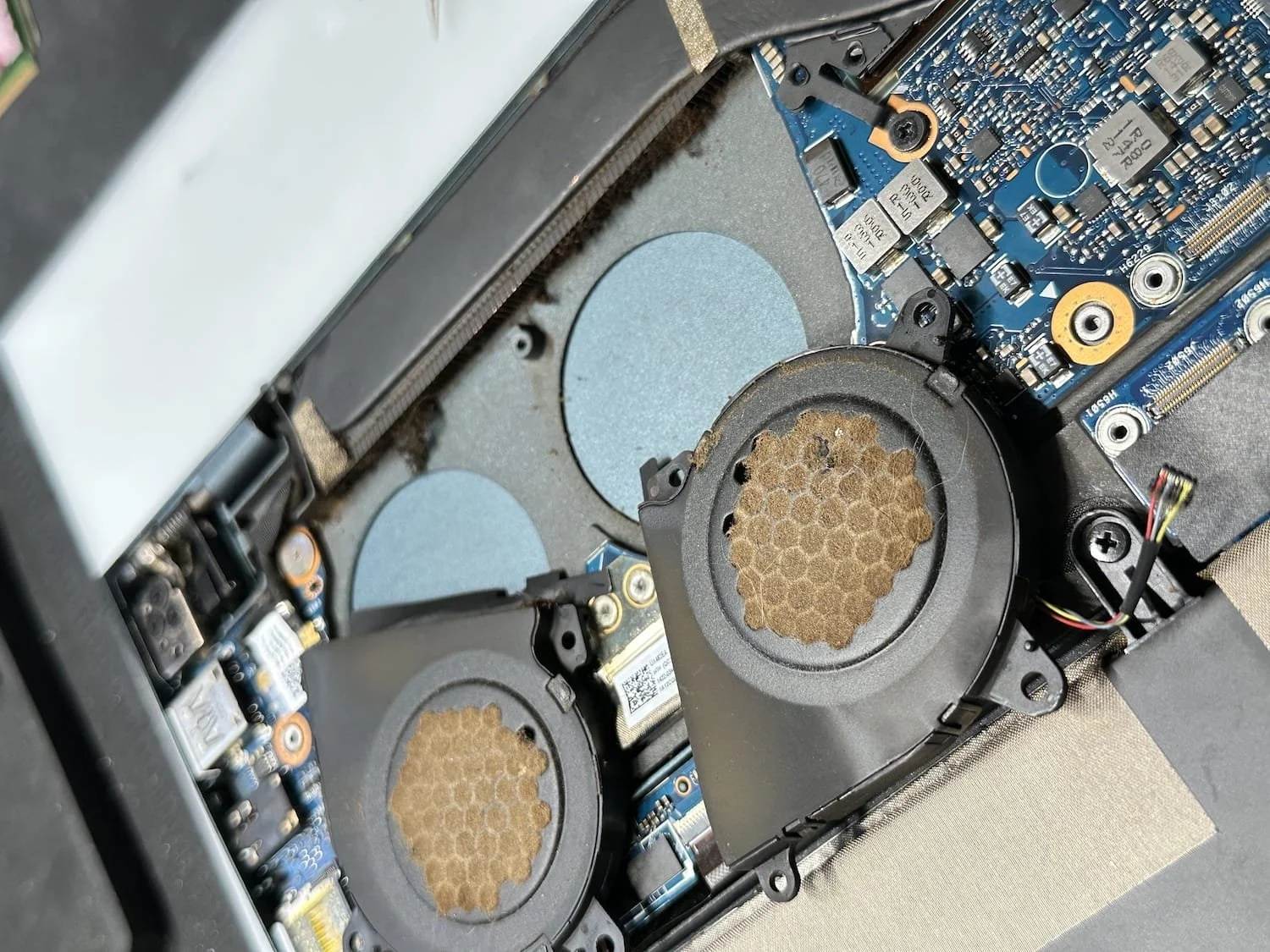
We frequently see premium laptops like the dual-screen ASUS Zenbook Duo 14 (UX482) arrive completely dead. The backstory is almost always identical: a year prior, the user temporarily relied on an uncertified, third-party USB-C charger. To make matters worse, a thick accumulation of dust had blocked the laptop's airflow over a long period. While it seemed to run fine initially, this combined thermal and electrical strain started an insidious countdown on the motherboard.
When this machine failed, diagnostic tools revealed highly erratic behavior. The primary USB-C port successfully negotiated the standard 20V power rail but pulled exactly 0 Amps, blocking all incoming current. The secondary port dropped out of high-voltage communication entirely, locking down at a baseline mobile phone threshold of 5V and 1 Amp. With the battery unplugged, no standby indicators turned on.
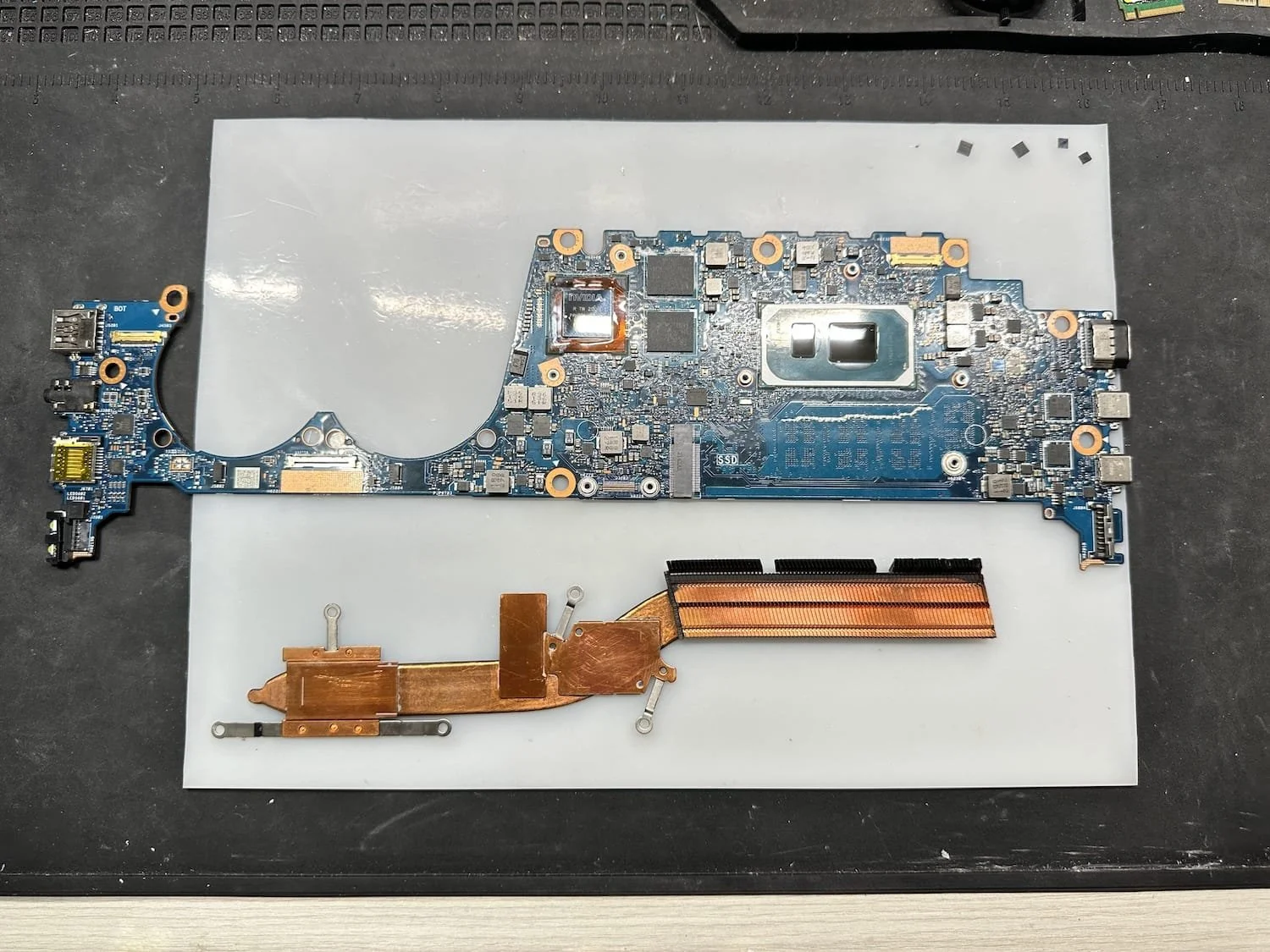
Under a microscope, we isolated the root failure to the twin isolation MOSFETs directly tied to the TPS65994AD USB-C Power Delivery controller. The trapped heat from the dust blockage accelerated the degradation, causing the components to permanently short out from electrical overstress. Using precision micro-soldering, we desoldered the damaged gates and reflowed brand-new matching MOSFETs onto the board traces.
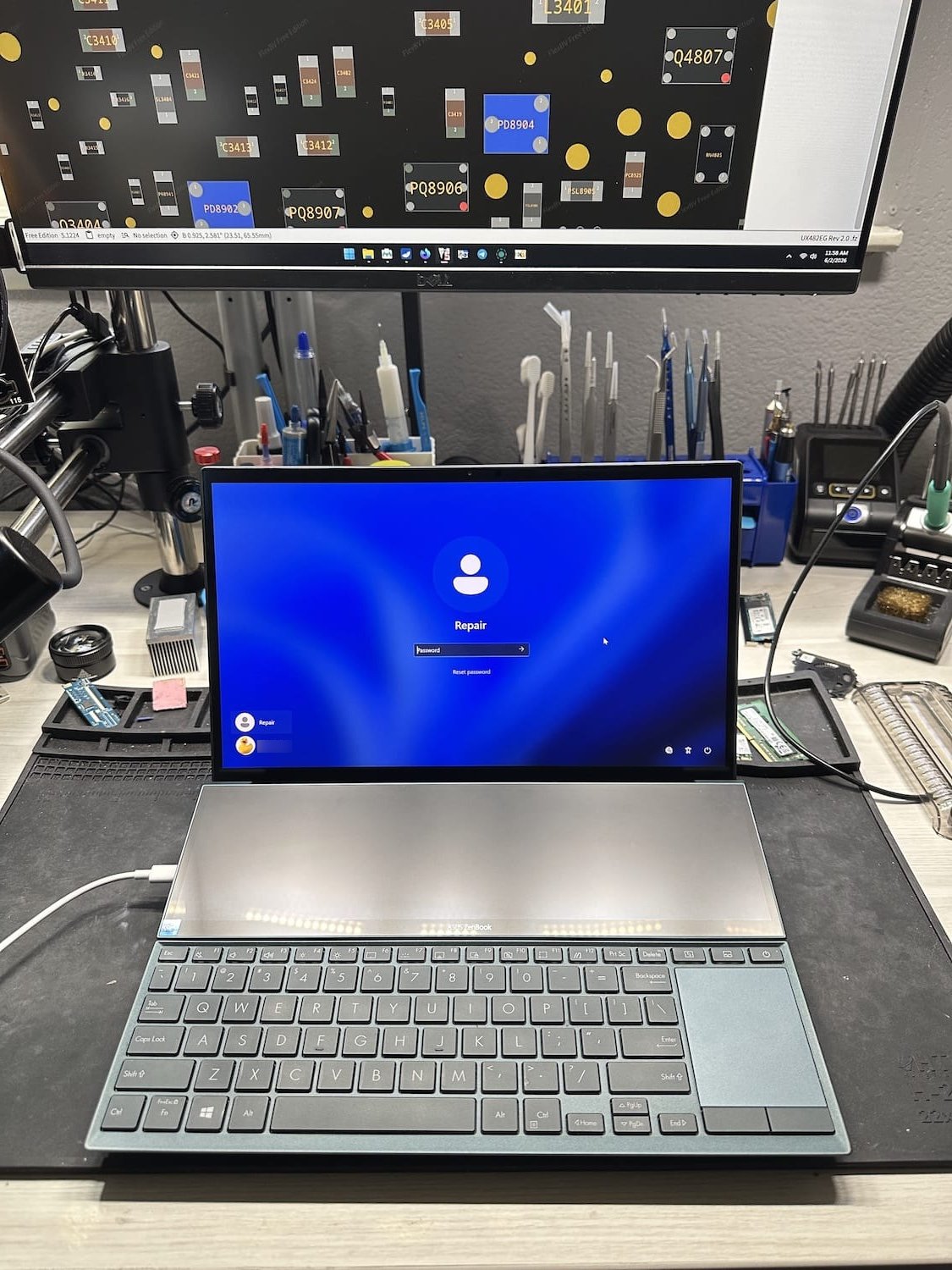
The result? Standby power instantly restored, normal fast-charging returned to both ports, and the laptop booted successfully with all client data safe. To safeguard your hardware, always stick to certified original manufacturer power bricks and keep your cooling vents clear of dust.